Custom Mobile App for Small Business: The Signs You Are Ready
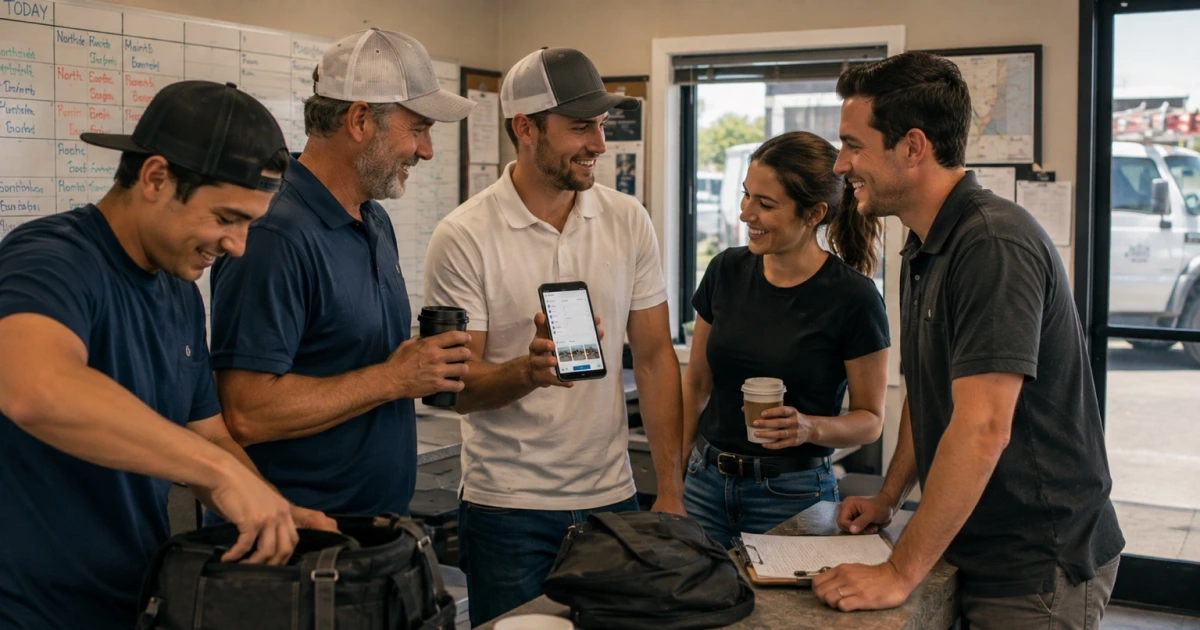
Most owners who ask about an app do not want an app. They want to stop calling the crew at four in the afternoon to find out what got finished, and they want Tuesday's job photos somewhere other than three different phones.
A custom mobile app for small business teams is a real answer to that, and it is also frequently the wrong first purchase. The difference is not the size of the business. It is whether the work has outgrown what a person can carry in their head and their text messages.
Here is the honest line, from the side that has to build it.
When a Custom Mobile App for Small Business Teams Is Actually Worth It
An app earns its place when the same piece of information has to move between the field and the office more than once a day, every day, and a person is currently the one moving it. That is the whole test. Not headcount, not revenue, not whether competitors have one.
Consider a five-truck operation running eight to twelve jobs a day. Each job produces a status, a set of photos, notes about what was found, sometimes a change the customer approved, and a signal that it is ready to bill. That is roughly fifty pieces of information a day that have to end up in the right place. Nobody remembers fifty things, so they get texted, half get lost in the thread, and the office reconstructs the day from phone calls.
Now consider a two-person operation running three jobs a day. That is a manageable number of things to remember, and a group text plus a shared calendar genuinely works. An app there solves a problem that is not costing anything yet.
The line is repetition and volume, not ambition. When the same handoff happens dozens of times a week and depends on someone remembering, a tool that remembers is worth paying for.
When a Mobile-Friendly Website or a Simple Form Is Enough
Plenty of businesses that ask about an app need something smaller, and that is worth saying plainly before anyone spends money.
A mobile website serves customers. An app serves the crew. If the problem you can name is on the customer side — people cannot reach you, cannot see what you do, cannot request a time without a phone call — then a fast mobile site with an honest form solves it, this month rather than next quarter.
The same goes for a single internal gap. If the only real friction is that technicians have no clean way to submit photos and a note at the end of a job, a well-built form on a phone browser does that. No install, no app store, no training. A progressive web app sits in the middle for teams that want something app-like without the store overhead.
Simple things also fail more gracefully. If a form breaks, someone emails a photo. If an app the whole day depends on breaks, the day stops.
The Signs You Are Ready
These are the ones we actually see. Read them as a count, not a checklist — one is normal, three or four together is a business that has outgrown its tools.
Photos live on personal phones. The proof of what a driveway looked like before the work is on somebody's camera roll, and finding it six weeks later during a dispute takes an hour and a favor.
Job notes are in a group text. The thread holds real information — what was found, what was skipped, what the customer said — mixed with schedule changes and lunch. It is not searchable in any practical sense, and it disappears when someone changes phones.
The office calls the field for updates. Every afternoon someone spends thirty minutes asking people who are driving what happened, and the information is a day old before it is written down anywhere.
Approvals are verbal. The customer agreed to the extra work. Nobody wrote it down, nobody timestamped it, and there is no photo of the reason. This is the one that eventually costs real money.
Checklists exist on paper or not at all. The steps that have to happen on every job are known by the experienced people and learned slowly by the new ones, which shows up as inconsistency nobody can trace.
The schedule is out of date the moment it is printed. A job runs long, the afternoon shifts, and the version in the truck stops matching the version in the office.
Invoicing waits on paperwork. Work is finished Monday and billed Friday because the details took that long to assemble. Every day in that gap is money sitting still.
Handoffs lose things. Estimate to schedule, schedule to crew, crew to invoice — at each seam something has to be re-entered by a person, and something occasionally is not.
If that read as a description of your week rather than a list of possibilities, the readiness question is answered and what remains is scope. Our companion piece on what a field service mobile app should actually do covers that in detail.
Why Texts, Paper, and Memory Stop Working
None of these are bad tools. They are tools with a ceiling, and the ceiling is lower than most owners expect.
A group text has no structure. Everything in it is the same shape — a photo of a leak sits next to a question about lunch — so nothing can be found by job, by customer, or by date. It works at ten messages a day and becomes unusable at eighty.
Paper works until it has to travel. A signed sheet in a truck is a real record right up until it has to reach someone in a different building, at which point it becomes a photograph of a piece of paper in a text thread.
Memory is the expensive one because it works so well for so long. An experienced lead knows the job, the customer, the history, and the shortcut. That knowledge is valuable and undocumented, so it does not survive a vacation, a busy week, or a resignation.
The failure is rarely dramatic. It is a slow rise in small errors: the invoice missing a line, the crew arriving without knowing about the dog, the callback nobody can explain.
What a Good Service Business App Should Connect To
This is the part that decides whether an app is useful or just a nicer place to type things twice.
It should connect to the schedule, so the crew sees today without calling and a change in the office reaches the truck without a phone call.
It should connect to the customer record, so the person on site can see history, address details, and what was promised, and so what they record attaches to the right customer rather than to a name typed slightly differently.
It should connect to the estimate and invoice steps, so completing work in the field advances billing instead of starting a new pile of data entry. Photos, notes, and approvals should already be attached when the invoice is prepared.
It should connect to wherever photos and documents belong long-term, so proof of work is filed against the job instead of sitting in a camera roll.
And it should connect to whatever you already pay for and rely on. Most service businesses have a tool or two that genuinely works, and the job of a custom app is usually to sit between those tools and the field rather than replace them. How that plumbing gets built is the subject of API integrations for small businesses.
If an app connects to none of that, it is a form with your name at the top. Data goes in, and someone still moves it by hand.
What Not to Build First
The fastest way to waste an app budget is to build the interesting parts first.
Do not start with monitoring. Location tracking, productivity scores, and minute-level time analytics are frequently the first features an owner asks for, and they are the surest way to make a crew resent the tool. An app the field avoids produces no data, which makes the monitoring worthless anyway.
Do not start with a customer-facing version. A portal where customers watch their job progress is a good feature that only works once the internal data is complete and current. Built first, it broadcasts your gaps.
Do not start with the dashboard. Reporting is built on top of information that already flows. Build the flow.
Do not build for the exception. The rare job with the unusual workflow will consume half the budget and one percent of the use. Handle it the way you handle it now.
Do not build everything offline. True offline support is worth real money in a rural service area and mostly unnecessary in a metro one. Decide based on where your trucks actually go.
Start instead with the two or three steps every job repeats: see the job, record what happened with photos and notes, mark it done. If that much is not used daily within a month, no additional feature will rescue it.
How LoGa Thinks About Mobile Apps
We build custom software and business systems for service companies in Oklahoma City, so a mobile app is never the project to us. It is one surface on a system that already exists.
That changes the first conversation. Before anything gets designed, we want to know where work stalls, what gets re-entered, and which handoff loses things. Sometimes the answer is an app. Frequently it is a connection between two tools you already own, or one form in the right place, and we will say so — a system that does not need an app is a cheaper outcome and a better one. The broader version of that thinking is in custom software for service businesses, and the local view is in mobile app development in Oklahoma City. What a build like that costs, and what actually moves the number, is in how much custom software costs.
When an app is right, we build the smallest one that carries the daily work, connect it to the systems that already hold the truth, and expand only where it is being used. That order is why we do not treat shipping the app as the milestone. The measure is whether the afternoon status call stopped happening. You can see the range of that work on what we handle.
If you are trying to decide whether you are at that point, that is what a systems audit is for. Worst case, you get told you do not need one yet.
Frequently asked questions
How do I know my business is ready for a custom mobile app?
The clearest sign is that the same information is being carried by a person instead of a system. Photos live on four different phones. Job notes are in a group text. Someone in the office calls the crew every afternoon to ask what got finished. Approvals happen verbally and nobody can prove what was agreed. If two or three of those are true every week, and the volume is steady rather than seasonal, you are past what messaging and paper can hold. If it is one problem that happens occasionally, fix that one thing first.
Is a mobile-friendly website enough instead of an app?
Often, yes. If what you need is for a customer to reach you, request a time, see your services, or send a photo of the problem, a fast mobile website with a good form does that job and costs a fraction of an app. A website serves customers. An app serves the people doing the work, in the field, repeatedly, every day. If nobody on your team would open the app more than once a week, you do not have an app problem yet.
What should a custom app for a service business connect to?
Whatever already holds the truth about a job. In most service businesses that is the schedule, the customer record, the estimate or invoice system, and wherever photos and documents need to end up. The value of a custom app is not the screens. It is that a photo taken in a driveway lands on the right job, and that marking work complete in the field moves the invoice step forward without anyone retyping it. An app that stores everything inside itself is one more place to look.
What should we not build first?
Anything that mostly watches the crew. Location tracking, productivity scoring, and detailed time analytics tend to be the first features requested and the fastest way to make a team stop using the tool. Also skip the custom dashboard, the offline everything, the customer-facing version, and the integrations you might want later. Build the two or three steps the crew repeats on every job. If those are not used daily within a month, no additional feature will fix it.
How much does a custom mobile app for a small service business cost?
It depends on how many steps it carries and what it has to connect to, so any number quoted before that conversation is a guess. The more useful framing is what it replaces. Count the hours per week spent on status calls, re-entering information, hunting for photos, and correcting paperwork, then decide what that is worth over a year. If the honest answer is a few hours a month, the app is not the right purchase yet. We publish our thinking on this in our piece on what custom software costs.